Checking Event Log
Check Event Log for the details and the occurrence date and time of errors which occurred while a program was running.
Tap Event Log icon to display the event log.
Messages are displayed in black, errors in red, and warnings in blue.
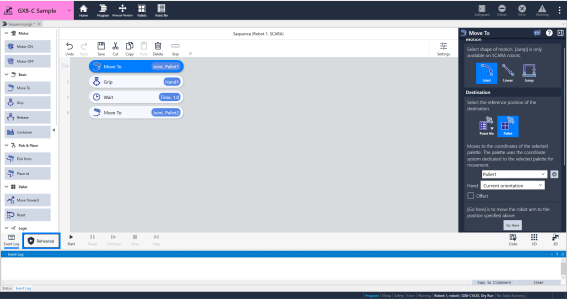
When there are new event logs, a badge will appear above the event log icon.
The badge color varies depending on the type of event.
| Icon | Description |
|---|---|
 | There is no event log. |
 | There is a new event log. A warning number and message will be displayed. Tapping the warning number will allow you to view the manual. |
 | There is a error event log. An error number and error message will be displayed. Tapping the error number will allow you to view the manual. |