Using the Epson RC+ Express Edition Programs
Programs created with Epson RC+ Express Edition can be converted into visual programming projects and used with RC+ 8.0.
Operation procedure
Start Epson RC+ Express Edition.
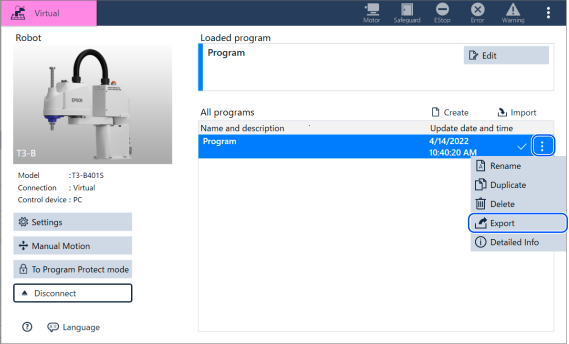
Go to the home screen, select the program you want to convert, and export the file.
KEY POINTS
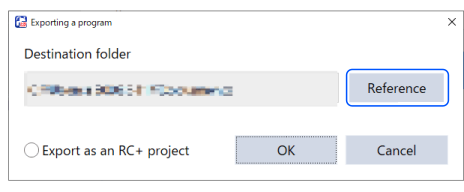
Do not check the [Use as RC+ project] option on the export screen.
If you check this box, it will be converted into a SPEL program usable with RC+. However, it cannot be converted back to a format usable by visual programs.
Start Epson RC+ in visual programming mode.
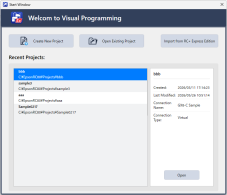
On the home screen, tap the [Import from RC+ Express Edition] button.
Enter the following on the import screen.
- Project to import: Location of the folder exported from RC+ Express Edition
- Project name: Name of the converted SPEL project
- Program name: Name of the visual program (prgjs file).
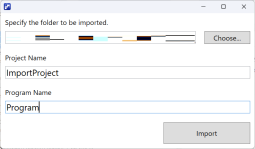
Tap the [Convert] button.
If the conversion is successful, the converted project will open.
← Appendix