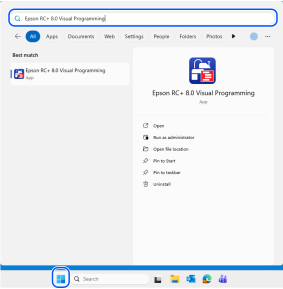
点击Windows开始菜单 - [Epson RC+ 8.0 Visual Programming]。 或者,通过在RC+的启动选项中指定/VISUALPROG,可以启动Visual Programming模式专用画面。
← Visual Programming模式 画面构成 →