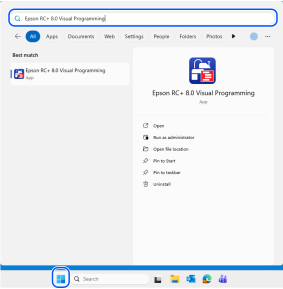
點選Windows開始功能表 - [Epson RC+ 8.0 Visual Programming]。 或者,可在RC+的啟動選項中指定/VISUALPROG,啟動Visual Programming模式的專用畫面。
← Visual Programming模式 畫面配置 →