RC+
You can use the Controller software development tool "Epson RC+for TP4".
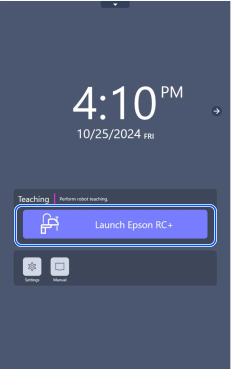
To display the [Epson RC+] panel, switch the mode selector key switch to "AUTO" and tap the [Epson RC+] icon to start the application.
When switching from TEACH mode to AUTO mode, the latch must be released.
For details of the setting and operation check, refer to the following manual.
"Epson RC+ User's Guide"
For details on the software "Epson RC+for TP4" started in AUTO mode, refer to the Epson RC+8.0 manual.
KEY POINTS
The following functions are not supported.
- Fieldbus Master
- VRT
- PC Vision
- Create and Connect of Virtual Controller
- Auto Start ([Setup] menu)
- Auto Login to Windows ([Setup] menu)
- Shutdown Windows ([File] menu)
- Restart Windows ([File] menu)
- Print File ([File] menu)
The internal memory of TP4 is limited. Be careful when saving a lot of project data.