Install VR software
When performing Installation Steps, the user account control window is displayed. Permission for changing the PC is asked on user account control window. Click the [Yes] button.
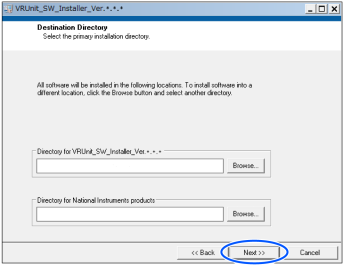
The following window is displayed. Click the [Next] button without any changes.
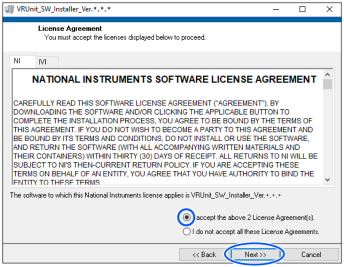
License agreement for instrument driver technology of NATIONAL INSTRUMENTS and IVI (Interchangeable Virtual Instrument) is displayed.
Confirm the contents.
Select [I accept the above 2 License Agreement[s]] and click the [Next] button.
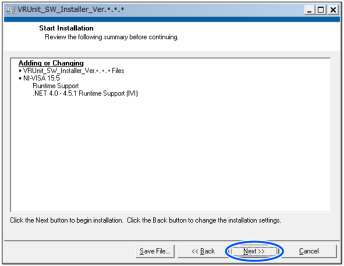
Confirmation window of the installation contents is displayed.
Click the [Next] button.
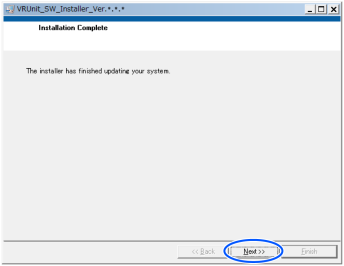
The following window is displayed.
Installation of VR software has completed.
Click the [Next] button.
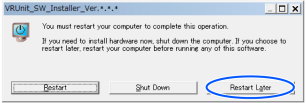
Window to request a restart of your computer is displayed.
Do not restart now. Click the [Restart Later] button.