GenICam Camera
In Epson RC+ 8.0 Ver.8.1.3.0 and later versions, cameras that meets the GenICam standard can be used in the PC vision.
Only GigE camera is available. USB cameras cannot be used.
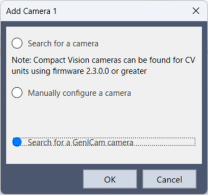
Install the runtime required to use the camera with the GenICam standard, such as the driver, on your PC and connect the camera to your PC.
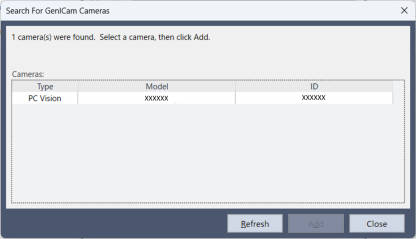
When conditions are met, the camera will be displayed and added in the camera search screen and be available for use.
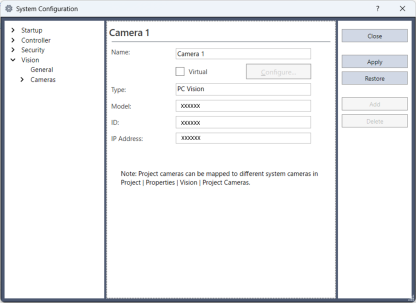
The added camera can be used in the vision sequence just like the PV camera.
Depending on the camera model, an auxiliary setting file may be required. Install it to the RC+ using Extensions Manager.
KEY POINTS
GenICam camera can only be used in Epson RC+ Premium Edition and higher.