Visual Programming Features
RC+'s visual programming features allow you to quickly and easily create simple applications, even without specialized robotics knowledge.
The main features are as follows:
- Creating robot program by drag and drop.
- Operating tablet intuitively with touch UI.
There are two ways to use the visual programming features in RC+:
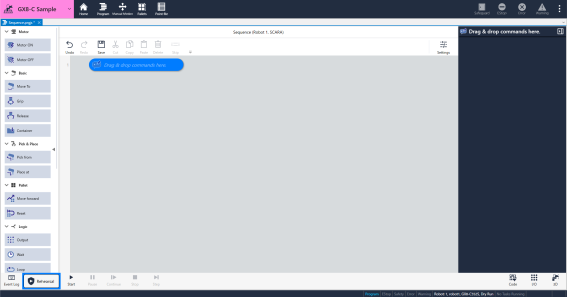
Start RC+ in visual programming mode
The visual programming mode is a dedicated screen for visual programming, allowing you to quickly create simple applications without having to be familiar with SPEL programming.
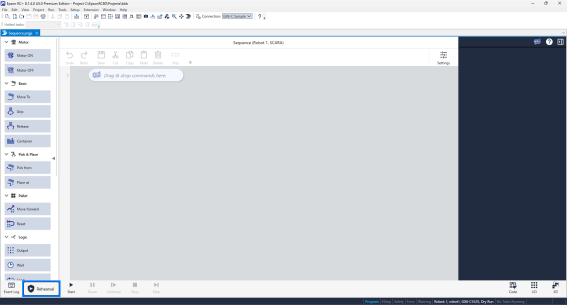
Use with RC+ program mode (Standard Edition and higher).
Visual programming can also be performed from the RC+'s program mode. SPEL programs and visual programs can be linked together, enabling efficient program development and maintenance.
KEY POINTS
You can convert programs created with Epson RC+ Express Edition into projects that can be used with RC+'s visual programming features.
Refer to the section below for instructions on replacement.
Using the Epson RC+ Express Edition Programs