Importing a Library
This section explains how to import the acquired libraries into RC+.
- The library is distributed as a zip file.
- Select Extensions | Import Library.
- Select the library you want to import from the file selection dialog box that appears.
- Click Open. The imported library file and zip files are generated under the
C:\EpsonRC80\Librariesfolder. If a library with the same name already exists, a message prompts you to confirm whether you want to overwrite it.
KEY POINTS
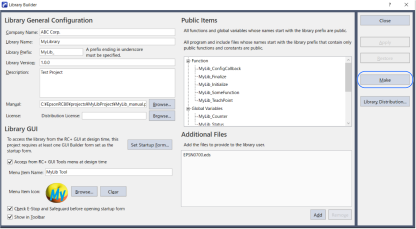
Libraries created with the Make button in Library Builder in the same RC+ do not need to be imported.