Adding Controllers
Adding Controllers to connection destination list.
Select Home display Menu - [Controller].
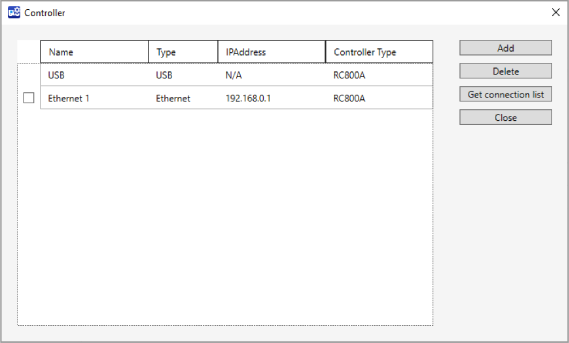
[Controller] dialog will be displayed.
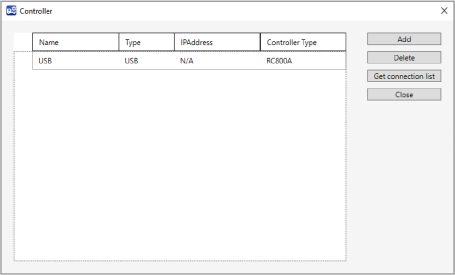
Click [Add] button.
[Add controller] dialog will be displayed.
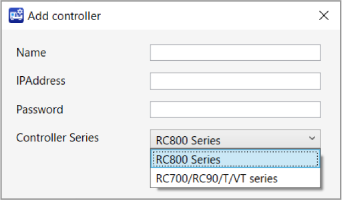
Set each item.
Items Descriptions Name Name of connection destination IP Address Input IP Address of the Controller. Password Input password to connect the Controller to Ethernet.
Input the password as same as the Controller password set in the Epson RC+. For details, refer to the following manual.
"Epson RC+ User’s Guide"
Controller Series Select the Controller you wish to connect to. Click [Apply] button.
Controller will be added in the connection destination list.