Deleting Controllers
This section describes deleting Controllers from the connection destination list.
Select Home display Menu - [Controller].
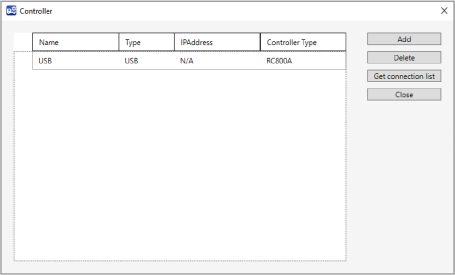
[Controller] dialog will be displayed.
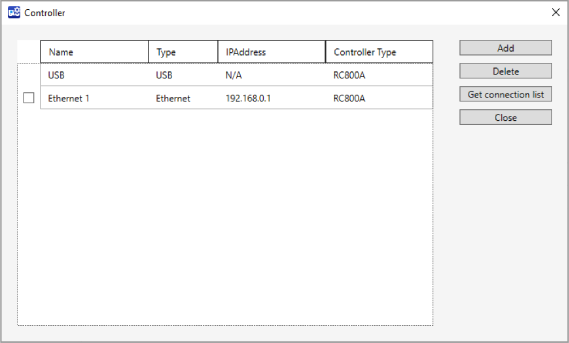
Check in the checkbox next to the list.
Click [Delete] button.
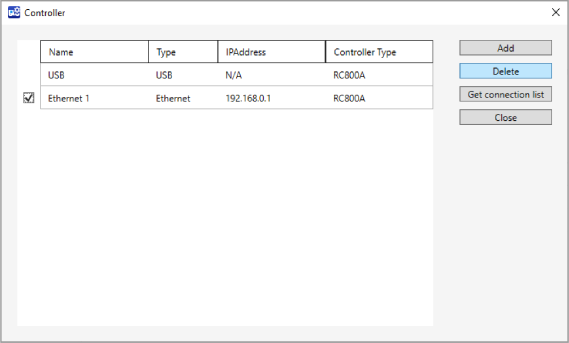
You can see the Controller was deleted from the connection destination list.