Setting for VRT Parameters
Select [Tools]-[Robot Manager] on Epson RC+ menu and start Robot Manager.
Select the [VRT] tab.
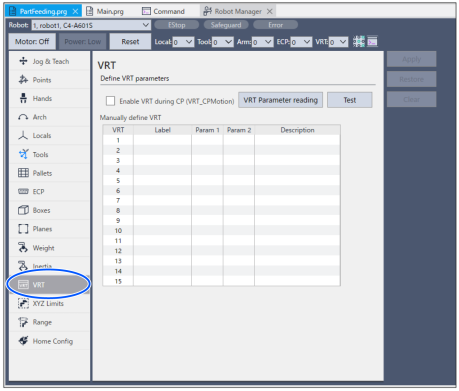
Select row [1] in column [VRT].
Set the parameter read in the following procedure to [Param1].
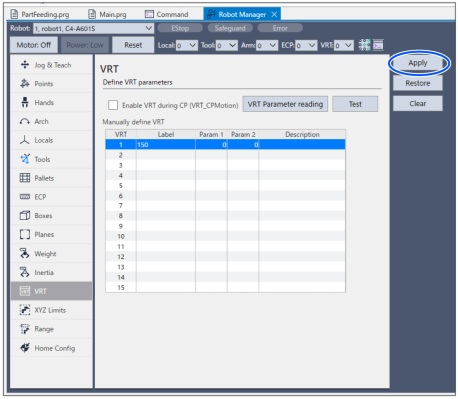
If the target motion (motion that you want to reduce vibration) is CP motion, place a checkmark on the [Enable VRT during CP] box.

Click the [Apply] button and wait for a few seconds.
Read parameter is set in [VRT 1].
Change the [VRT] of [Robot Manager]to “1”.

By this operation, VRT 1 is applied to subsequent programs.
Now, settings of VRT parameters have completed.