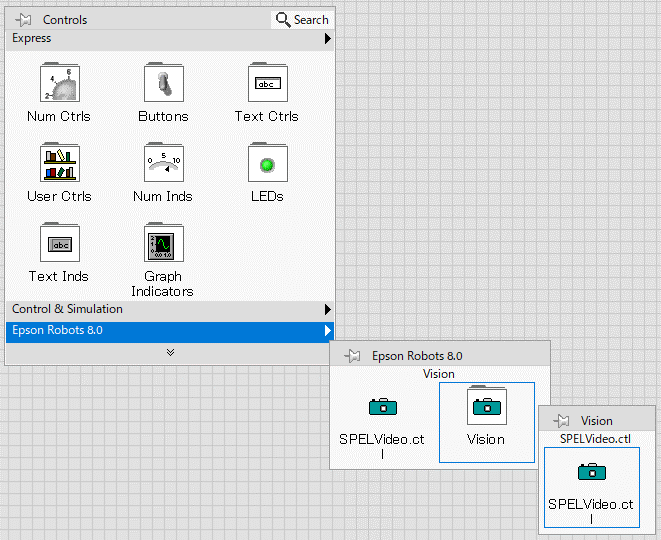
Tool and Control Palettes
After the Epson RC+ 8.0 LabVIEW VI Library is installed, you can access the VIs and controls available in the library from the [Epson Robots 8.0] tool palette and [Epson Robots 8.0] control palette.
Tool Palette
The tool palette is accessed from the block diagram. Inside the Epson Robots 8.0 tool palette are several sub-palettes, described in the following table:
| Palette | Description |
|---|---|
| System | Used to initialize and shutdown the API. |
| Robot Settings | Change robot parameters. |
| Points | Load, save, change robot points. |
| Motion | Execute robot motion. |
| Inputs & Outputs | Control and monitor Controller inputs and outputs. |
| Tasks | Manage tasks in the Robot Controller. |
| Variables | Read and write variables in the Controller. |
| Vision | Execute vision commands. |
| GUI | Display GUI functions. |
To access the [Epson Robots 8.0] tool palette, open the block diagram for your VI, then right click on an empty area and select [Epson Robots 8.0] to see the sub-palettes described above.
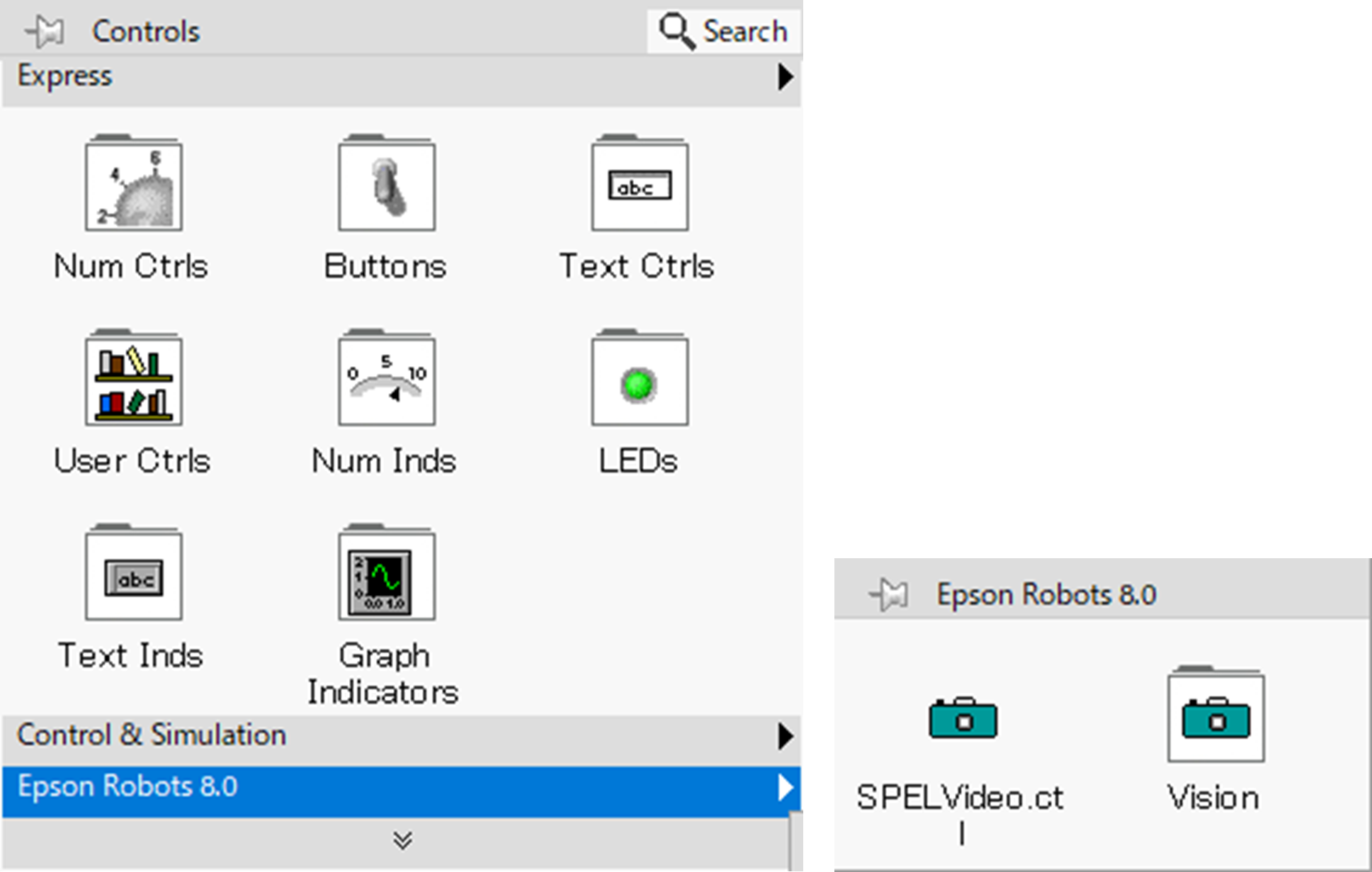
Control Palette
The control palette is accessed from the front panel.
| Palette | Description |
|---|---|
| Vision | Contains the SPELVideo control used to display video. |