Slave: Uninitialized Network
| BF | ST | |
|---|---|---|
| Master LED Condition | Light OFF | Red Light Blinking |
| Absent Slave LED Condition Uninitialized network | Light OFF | Light OFF |
** Process Flowchart**
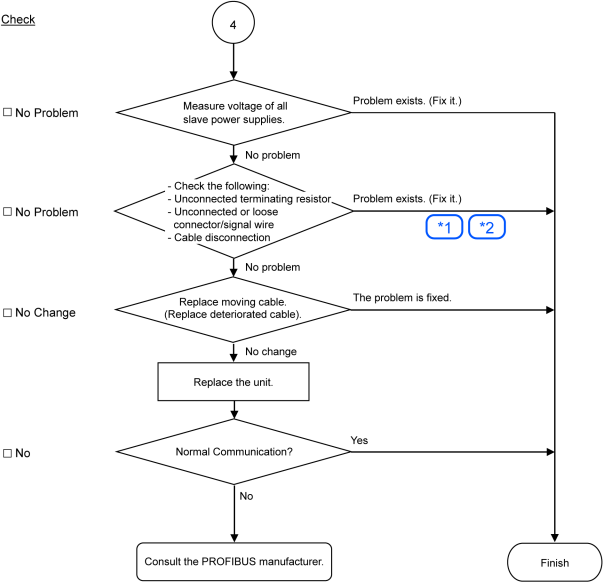
* See also:
| Symbol | See also: |
|---|---|
| 1 | Disconnected Terminating Resistors, Cable Disconnection, Disconnected Connector, and Disconnected Signal Wire |
| 2 | Loose Connector and Signal Wire |
Causes of Error
| Possible Cause | Examination Method | Countermeasure |
|---|---|---|
| Electrical surges of device power supply | Measure voltage of the device power supply at the trouble unit. It should be within the range of sufficient voltage for device operation. | Check voltage of the device power supply. |
|
| Fix the problem. How to find the trouble point: Remove the terminating resistor on one end of the network. The trouble point is where resistance changes from 220 Ω. |
| Check for the connection of connectors and signal wires. → The connectors and signal wires should be firmly connected.
| Connect the connectors and signal wires again. |
| Broken unit | Replace the trouble unit with a new one. → Verify whether the problem is fixed. | Replace the unit with a new one. |