Part Supply
This screen is used to configure Hoppers.
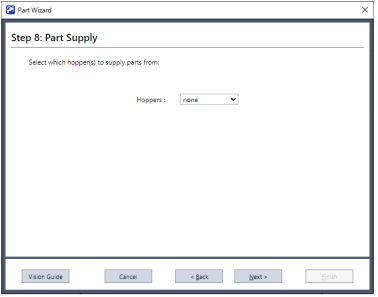
| Items | Description |
|---|---|
| Hopper | Hoppers to use: None, 1, 2, 1 and 2. |
KEY POINTS
If you select a hopper to use when the checkbox for “Enable Hopper” is not checked off, a message will appear informing you that no hopper is connected.