Checking for User list
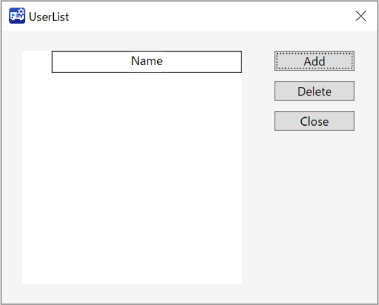
Displays all information of users who are allowed to connect OPC UA Server. The password will not be shown.
Select one Controller to configure from the check box of Controller Information List.
Select Home display Menu - [Server Setting] - [User]. [UserList] dialog will be displayed.