Deleting User
Deleting a user who are allowed to connect to OPC UA Server.
Select one Controller to configure from the checkbox of Controller Information List.
Select Home display Menu - [Server Setting] - [User].
[UserList] dialog will be displayed.
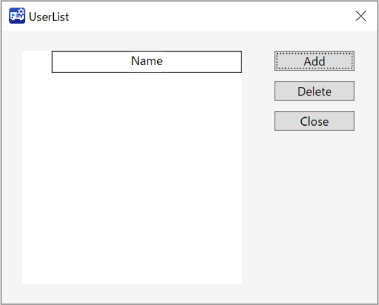
Check in the checkbox of users you want to delete from the list.
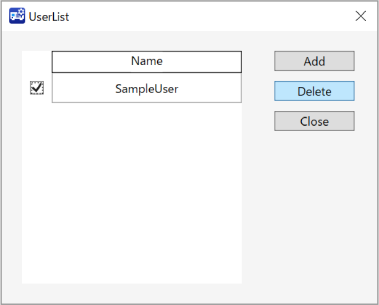
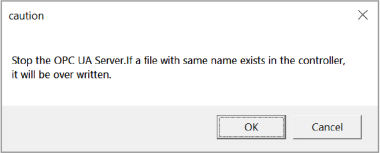
Click [Delete] button. A dialog will be displayed says the Server will be stopped for server processing.
If you continue processing, click [OK] button. A user will be deleted.
If [Cancel] button clicked, user will not be deleted.
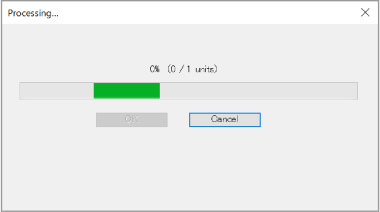
During the process of user deleting, [Processing] dialog will be displayed.
If you click [Cancel] button, a dialog displayed says the process will be stopped. To stop user deleting process, Click [OK] button.
Processing that has already been completed cannot be undone.
After the process complete, following dialog will be displayed.
Click [OK] button.
