Backup and Restore Parameter Data
After creating a PG robot, you can save its parameter data in a file. This file can be used as a backup, and can also be used to create PG robots on other systems.
To backup PG robot parameter data:
Select [System Configuration] from the [Setup] menu.
Select [System Configuration]-[Controller]-[Robots].
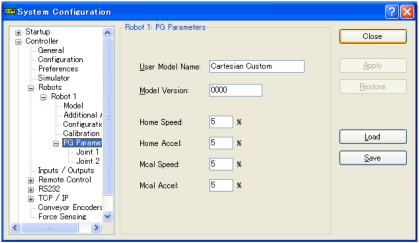
Select the desired PG robot from the list of Robot, and then select a PG parameter.
Click the [Save] button.



Browse to the desired location and enter the desired filename.
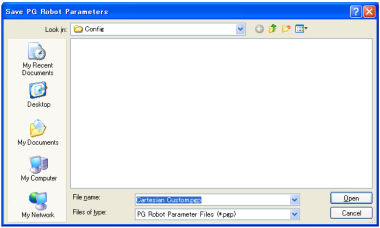
Click the [Open] button.
To restore PG robot parameter data:
Select [System Configuration] from the [Setup] menu. Select [System Configuration]-[Controller]-[Robots].
Select the desired PG robot from the list of Robot, and then select a PG parameter.
Click the [Load] button.
Browse to the desired location and select the desired filename.
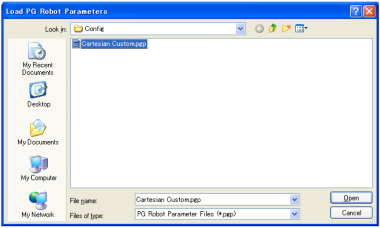
Click the [Open] button. The parameters are now loaded.