Overview
The diagnostics function is described through videos as well.
| Title | Link |
|---|---|
| 1. New Feature: What is Diagnostics? | 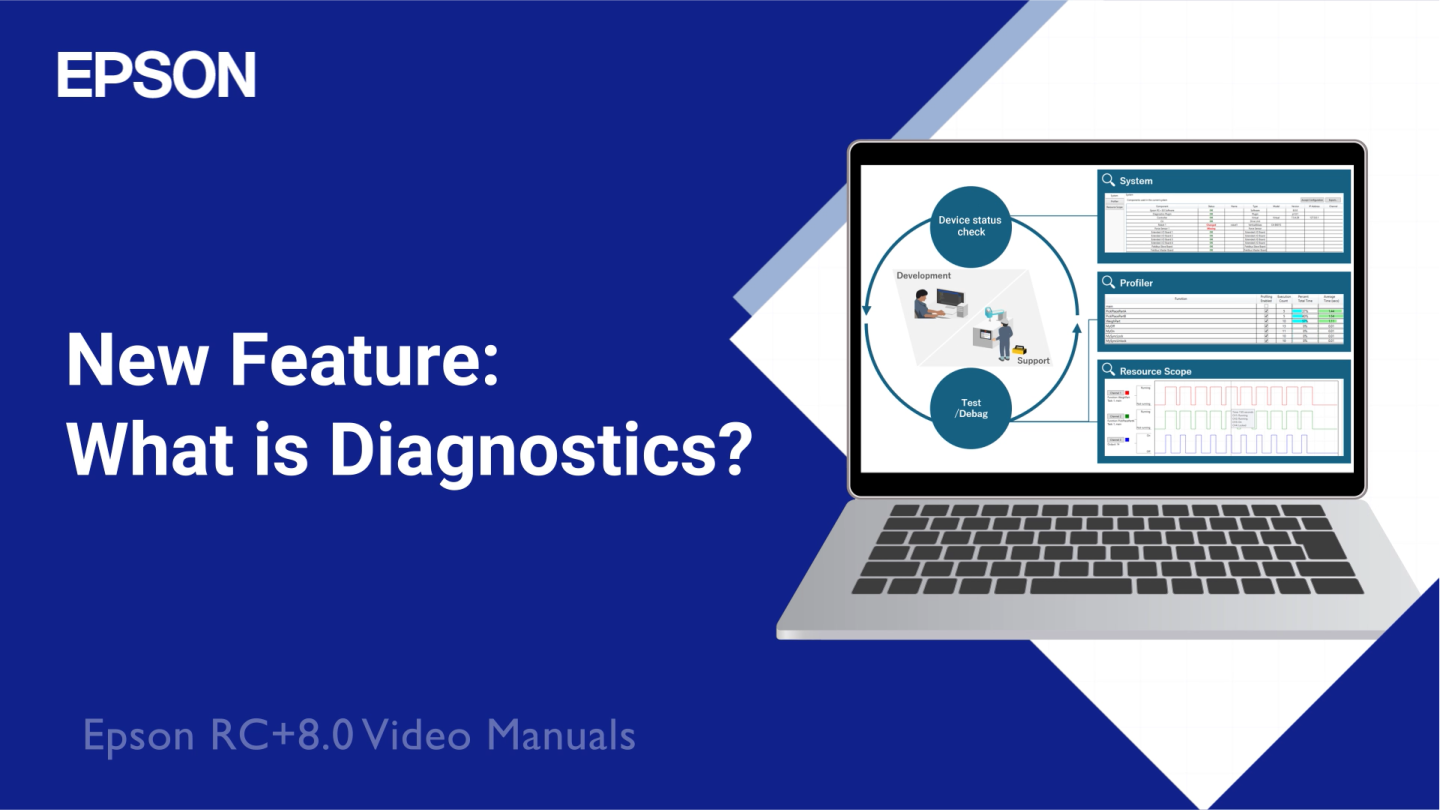 (opens new window) (opens new window) |
| 2. How to use Diagnostics | 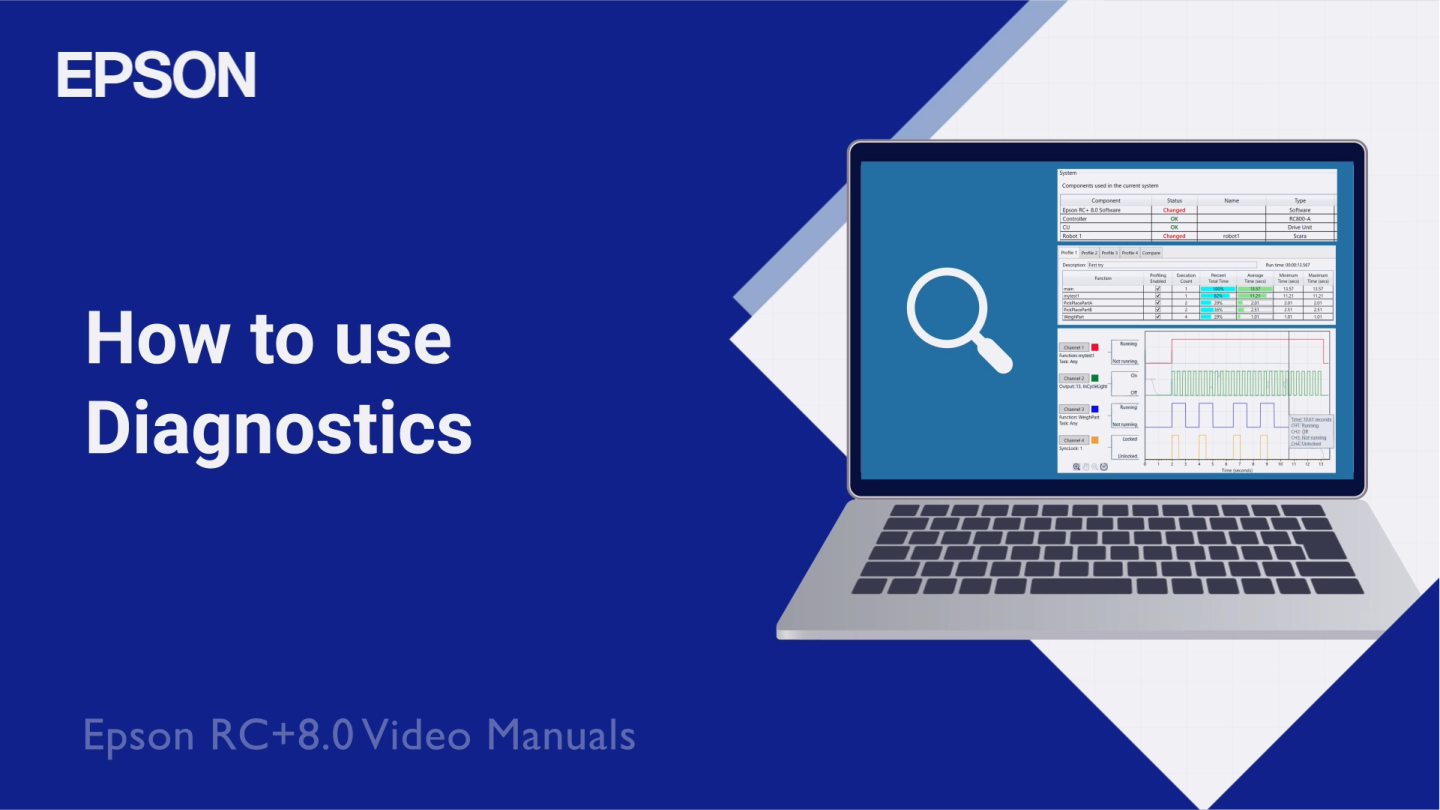 (opens new window) (opens new window) |
KEY POINTS
- An Internet connection is required to watch videos.
- Audio will be heard.
- To display subtitles in your native language, use the YouTube auto-generated subtitles feature.
Diagnostics features are available in the Diagnostics window, which can be opened from the [Tools] menu or from the main toolbar.
KEY POINTS
You need Epson RC+ 8.0 Ver. 8.1.0.0 or later and an Epson RC+ Standard Edition or higher license to use the diagnostics function.
If these licenses are not available, you will not be able to open the Diagnostics window.
The Diagnostics window supports three diagnostics tabs.
- System
Displays information about the software and hardware used in the current system. - Profiler
Allows you to profile the application by recording statistics about the function run times. - Resource Scope
Monitors various resources over time, like an oscilloscope.
← Diagnostics System →