Displaying Profiles
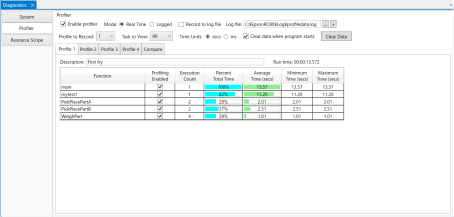
Follow the steps below to display a profile.
- Select [Real time] mode or [Logged] mode.
- Select [sec] or [ms] time units. This setting is applied to all profiles.
- Select the tab for the profile you want to display ([Profile 1] to [Profile 4]).
You can view the real-time data being recorded by selecting the tab for the recorded profile.