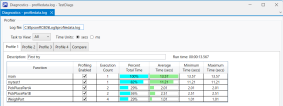
Displaying Log Data
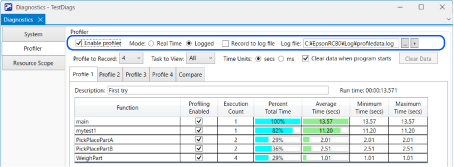
Follow the steps below to display the log data.
- Select the [Logged] mode.
- Select a previously recorded log file in [Log File].
- The log file data is displayed.
KEY POINTS
The list of functions includes the functions that were in use at the time the data was recorded.
The task list shows the task names as they existed at the time the data was recorded.
Regardless of the mode, you can also click the
 button to specify a log file and display it in a new window.