Basic Principles of Data Operation
The Epson Feeder Configurator allows you to adjust and check parameters for the IF-A series. Make sure you understand the basics of data storage and retrieval before using this application.
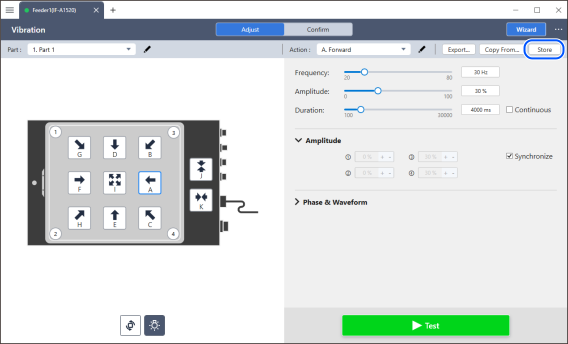
The data adjusted in this application will be sent to the feeder unit. You can operate the feeder based on the transmitted data and verify the adjustments. However, the transmitted data is not written to non-volatile memory at that time. Once the parameters are finalized, press the [Store] button to store the data in the device. The data will then be stored in the device's non-volatile memory.
KEY POINTS
If you turn off the power to the device or switch the part ID without saving the data, the data will be lost.