Terminal
This page can be used to open the terminal screen and to send and receive dedicated commands to and from the IF-A Series.
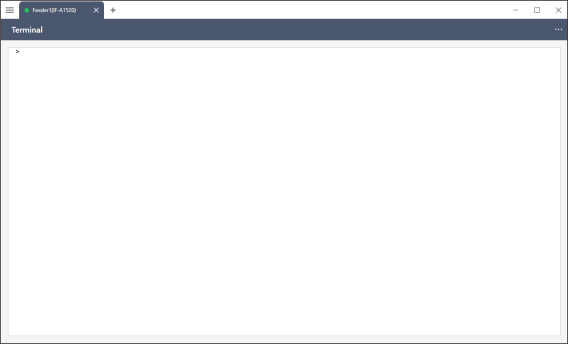
">" is displayed as a prompt at the top of the terminal screen. When a command is entered after the prompt, the reply from the feeder appears in the line below. An error is returned in red if the command contains a syntax error or an argument is out of range.
See below for details about the available commands.
Commands Available in the Terminal
KEY POINTS
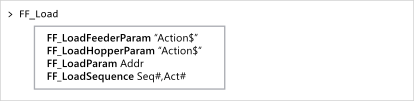
When you partially enter a command, candidates for the remaining characters are displayed (command completion). In this case, enter the command by selecting one of the candidates using the up and down keys on the keyboard and pressing the Tab key or by double-clicking the candidate with the mouse.
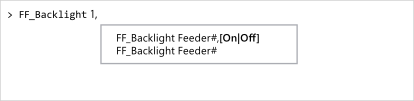
As you enter arguments following the command string, candidates for the argument are displayed (syntax help).
To repeat a command you previously entered, move the cursor to the line containing the command and press Enter key.
The entered command history is discarded when the application is closed.