Exporting Self Signed Certificate
Select a Controller to configure from the check box of Controller Information List.
Select Home display Menu - [Certificate] - [Export].
[Export (Self signed)] dialog will be displayed.
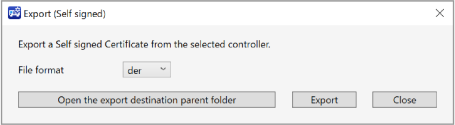
Click [Export] button. The exported files are saved for each Controller like following.
C:\EpsonRC80\OPCUA\[Controller serial No.]\Cert\SelfSignedfolderKEY POINTS
The extension is the one that setup in File Format of Export dialog (.der or .pem).
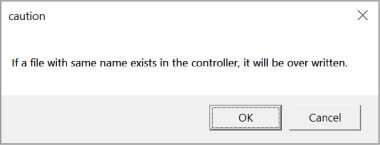
Click [Export] button then a dialog displayed says it is saved in PC and overwritten.
Click [OK] button to overwrite and continue the process. Self signed Certificate will be exported.
Click [Cancel] button to cancel exporting the Self signed Certificate.