Type Setting of Server Certificate
Select a Controller to configure from the check box of Controller Information List.
Select Home display Menu - [Certificate] - [Type Selection].
[Type select] dialog will be displayed.
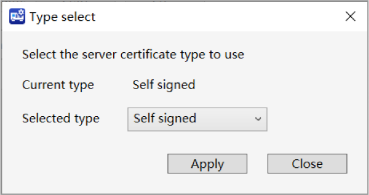
Select the Certificate type you want to use for the Server Certificate from the [Selected type] pull-down menu. However, if you select a virtual RC800 series controller or a controller with firmware version 8.0.0.xx or later, "User Specified" will not be displayed in the list.
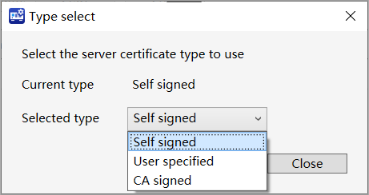
Click [Apply] button.
Start setup for using type of the Server Certificate.
An error dialog will be displayed when:
- Selected Certificate is not saved.
Following dialog will be displayed to inform you that the server will be stopped for configuring the Server Certificate type displaying following dialog.
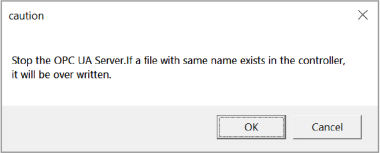
To continue the process, click [OK] button. The setting for using type of Server Certificate will be done.
Click [Cancel] button to cancel the setting.
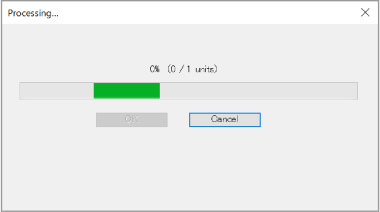
During the process of setting the Server Certificate type, following dialog will be displayed.
Click [Cancel] button then a dialog will be displayed says the process will be canceled. Click [OK] button to stop setting up for Server Certificate type.
Processing that has already been completed cannot be undone.
After completing the setup for the using type of Server Certificate, following dialog will be displayed.
Click [OK] button.
