Deleting CRL Files
Select one Controller to configure from the check box of Controller Information List.
Select Home display Menu - [Certificate] - [CRL].
[CRL] dialog will be displayed.
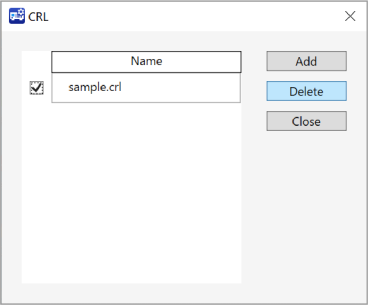
Check in the check box in next of the list and click [Delete] button.
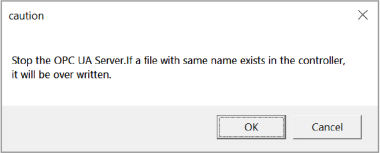
A dialog will be displayed says the Server will be stopped. Click [OK] button.