Floating Subwindows
Windows can be put into a floating state (display as a separate window). This is useful for maximizing the space available by displaying floating windows on an external display.
Drag the title bar of the subwindow you want to float and drop it wherever the docking guide does not appear.
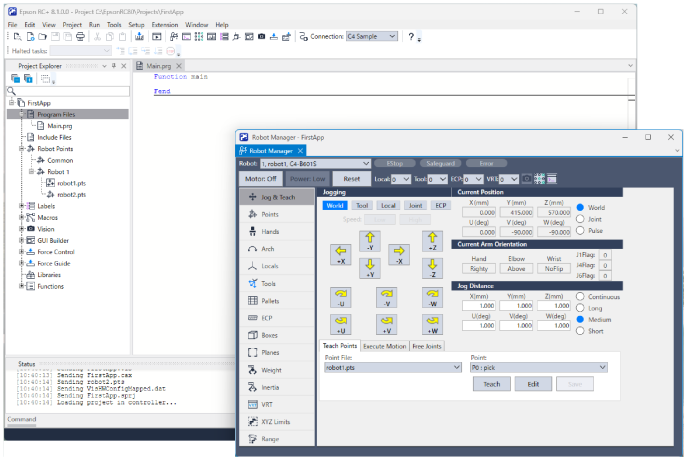
Floating windows can be displayed at the front of the main window at any time.
Right-click on the title bar of the window, and then select either [Show All Floating Tool Window On Top] or [Show All Floating Document Window On Top].