[Properties] Command (Project Menu)
In the Epson RC+ 8.0 menu, select[Project]-[Properties] menu to open the [Project Properties] dialog.
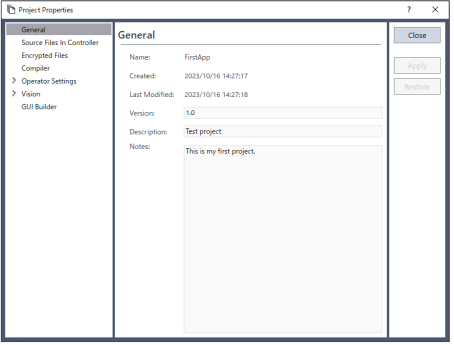
Common buttons
| Item | Description |
|---|---|
| Close | Close the [Project Properties] dialog. |
| Apply | Sets current values after changes have been made. |
| Restore | Revert back to previous values. |