[Check for Updates] (Help menu)
You can check the Epson RC+ 8.0 software version status.
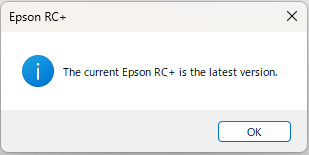
If the software is running the latest version:
The window shown below appears.
If a newer version is found:
The window shown below appears.
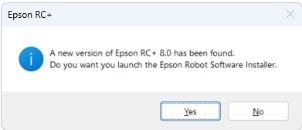
Select [Yes] to start the Epson Robot Software Installer.
For details on installing the latest version of the Epson Robot Software Installer, see below.
"Epson Robot Software Installer - Saving and Installing the Software"
KEY POINTS
If Epson Robot Software Installer is not installed, the following screen will appear.
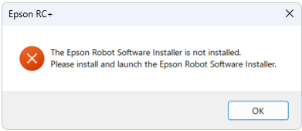
Follow the procedures below to install Epson Robot Software Installer.
"Epson Robot Software Installer - Installing the Epson Robot Software Installer"