Saving Point Data to File
You can save the point data registered in the memory to the point file.
Press the [Save] key.
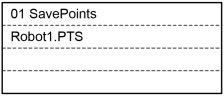
Press the [OK] key to save the point data to the file.
TIP
This can also be executed in the [Point Editor] screen.
You can save the point data registered in the memory to the point file.
Press the [Save] key.
Press the [OK] key to save the point data to the file.
TIP
This can also be executed in the [Point Editor] screen.